Accessibility Browser Extensions
Le texte français est donné à la suite.
Links for Accessibility testing Browser extensions
Accessibility Insights
To request to have Insights for Windows installed on your desktop from the NSD Application Catalogue:
- Navigate to NSD
- From the Application Catalogue, click the Commercial Software tab, then select the Accessibility Insights for Windows link and click Install.
- The installation should take approximately 2 days.
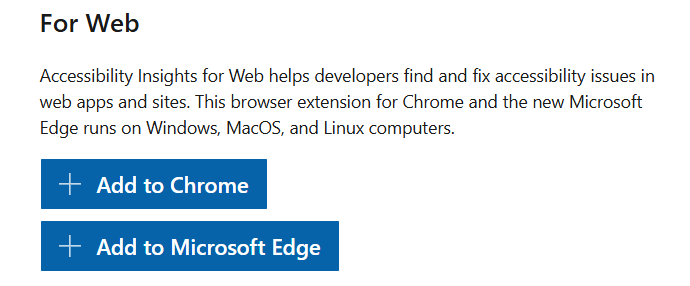
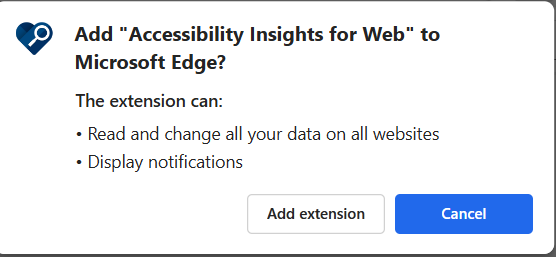
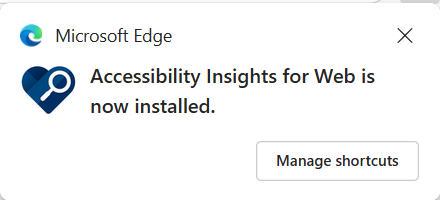
Add the Accessibility Insights Browser Extension directly within your browser (for Chrome and Edge):

WAVE
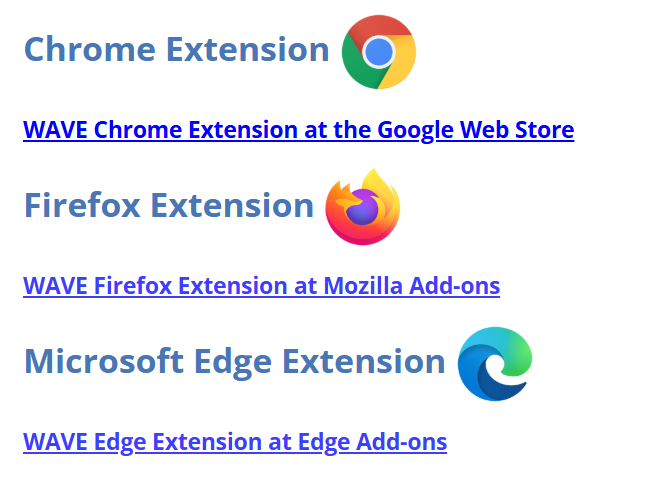
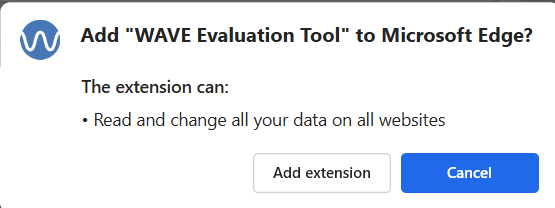
Add the WAVE Browser Extension directly within your browser (for Chrome, Edge, Firefox):
Axe Dev Tools
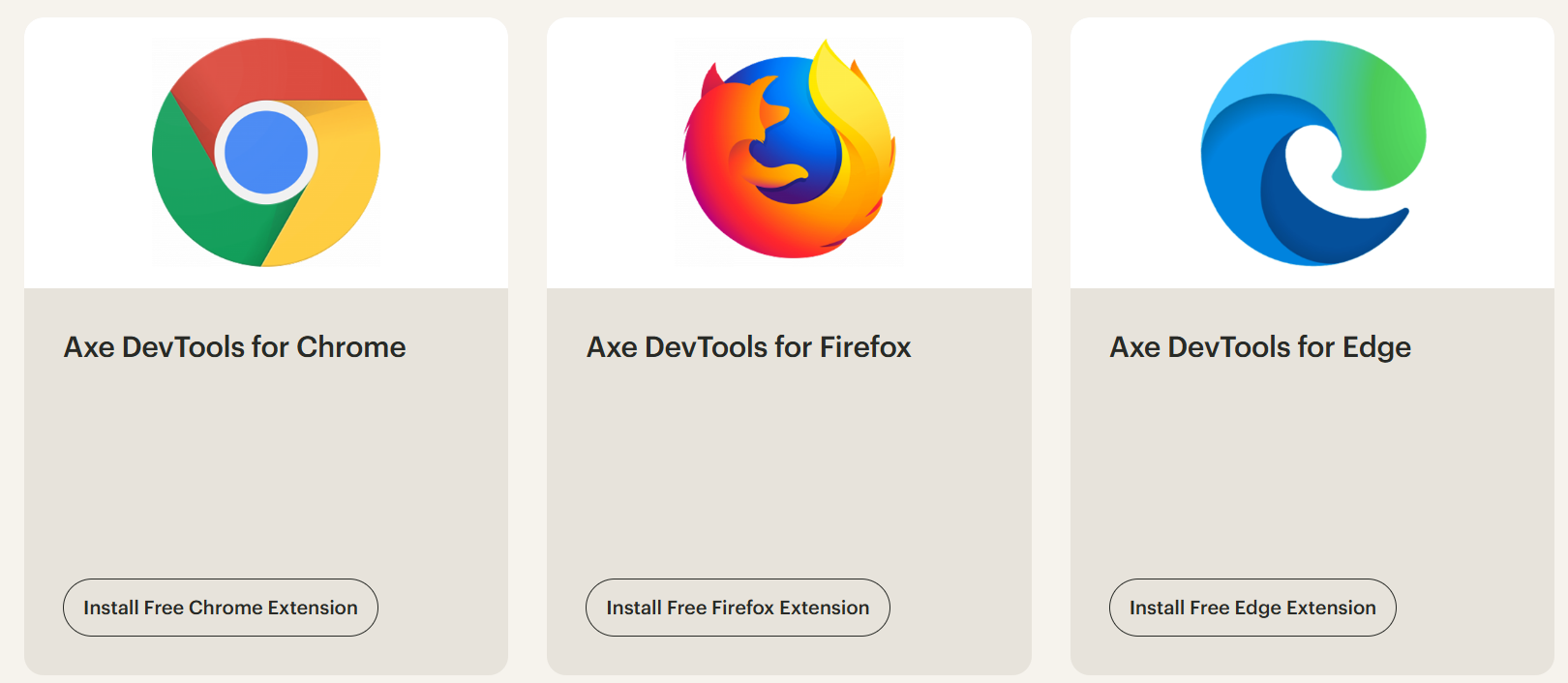
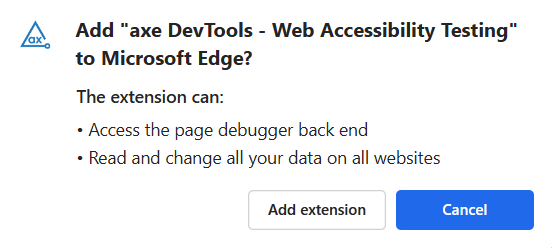
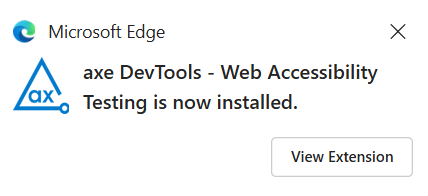
Add the Axe DevTools Browser Extension directly within your browser (for Chrome, Edge, Firefox):
W3C HTML validation
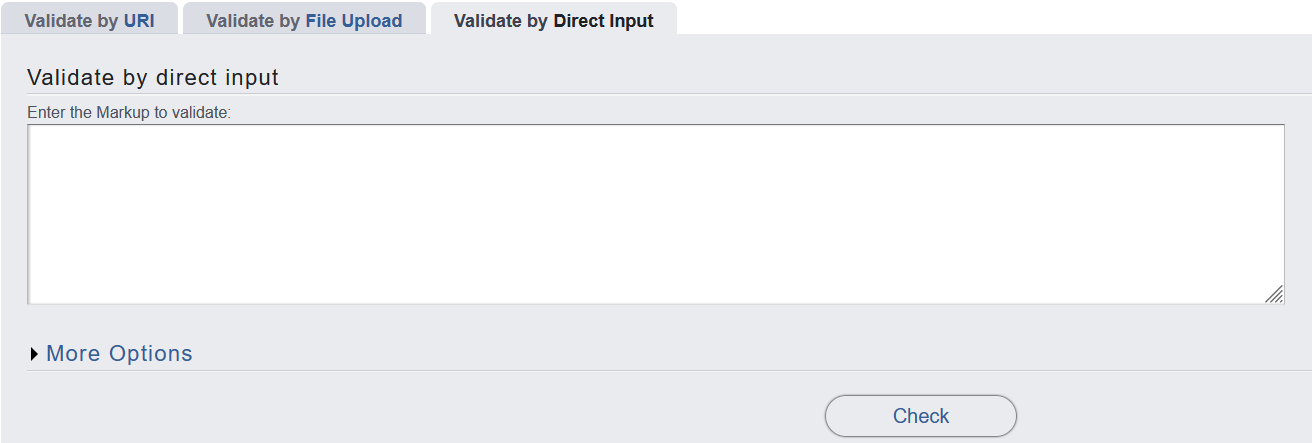
Add your HTML source code directly to the Validate by Direct Input field in the W3C Markup Validation Service, to validate HTML compliance:
Texte français:
Liens pour les extensions de navigateur de test d’accessibilité
Accessibility Insights
Pour demander l’installation d’Insights pour Windows sur votre poste de travail à partir du catalogue d’applications NSD :
- Accédez à NSD
- Dans le Catalogue d’applications, cliquez sur l’onglet Logiciels commerciaux, puis sélectionnez le lien Accessibility Insights for Windows et cliquez sur Installer.
- L’installation devrait prendre environ 2 jours.
Ajoutez l’extension de navigateur Accessibility Insights directement dans votre navigateur (pour Chrome et Edge) :
WAVE
Ajoutez l’extension de navigateur WAVE directement dans votre navigateur (pour Chrome, Edge, Firefox) :
Axe Dev Tools
Ajoutez l’extension de navigateur Axe DevTools directement dans votre navigateur (pour Chrome, Edge, Firefox) :
Validation HTML du W3C
Ajoutez votre code source HTML directement dans le champ Validate by Direct Input du service de validation du balisage du W3C, pour valider la conformité HTML :